Click to download now, finish the installation quickly, and directly unlock the all-round experience
Screenshots

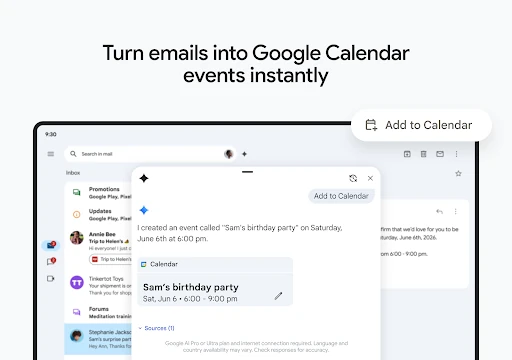


Click to download now, finish the installation quickly, and directly unlock the all-round experience
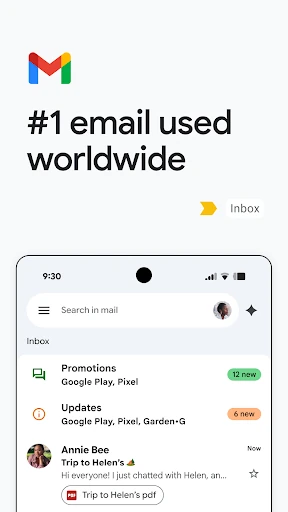
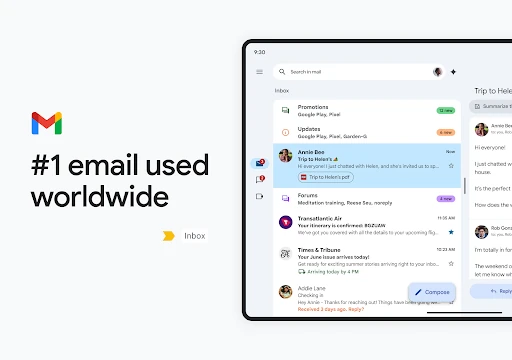
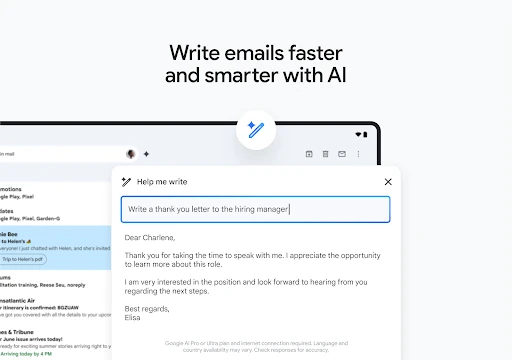
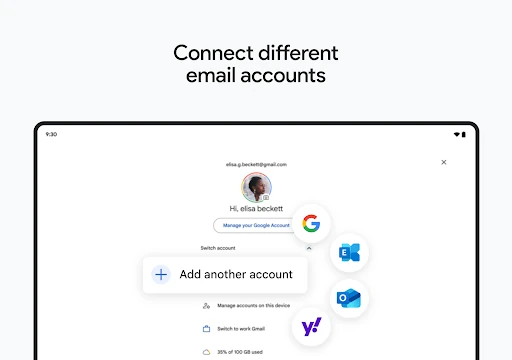
Gmail is Google’s email app for Android, built for sending, receiving, organising and finding messages from a phone. It suits people who use email for personal correspondence, work, school, account notices and ongoing conversations, especially those already using other Google services.
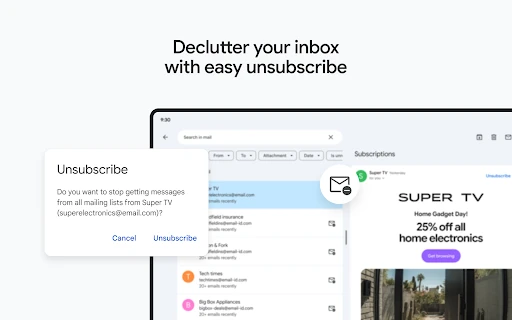
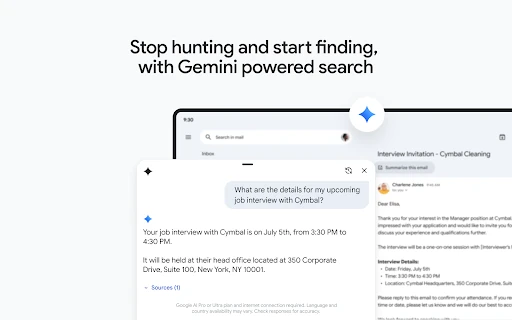
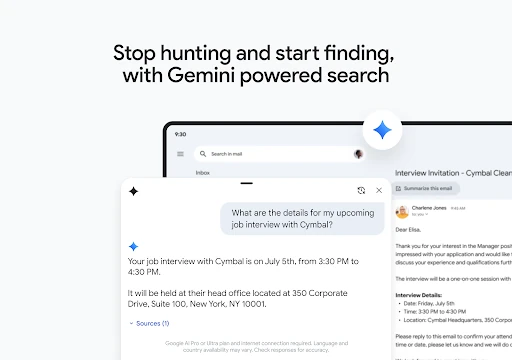
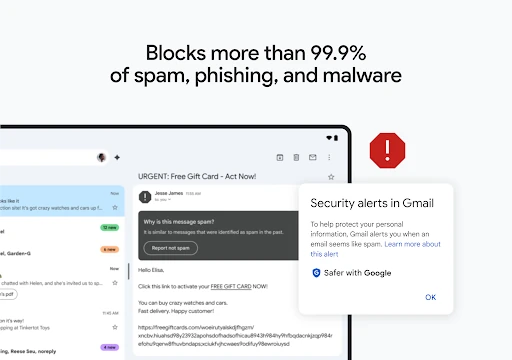
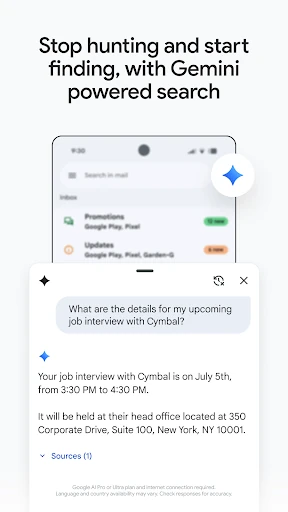
The inbox supports conversation threads, labels, archiving, search and account notifications, giving users several ways to keep large volumes of mail under control. Search is particularly useful when an old message, attachment or detail matters more than remembering exactly where it was filed.
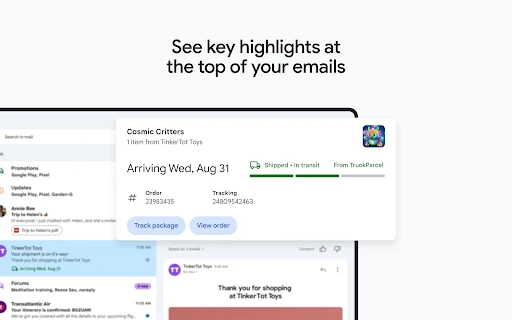
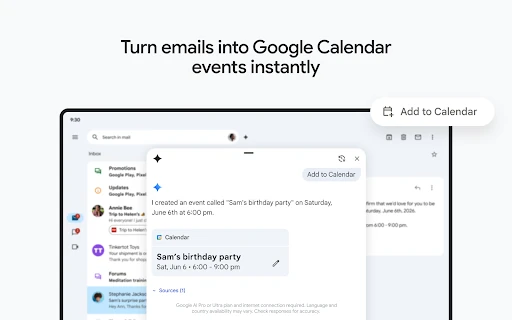
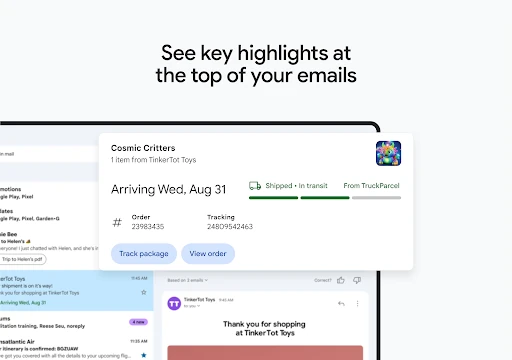
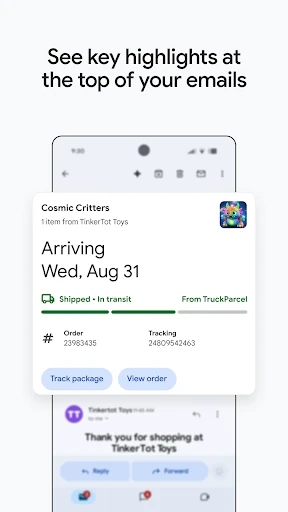
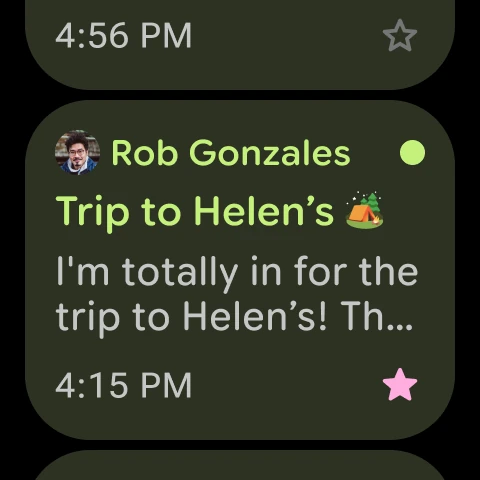
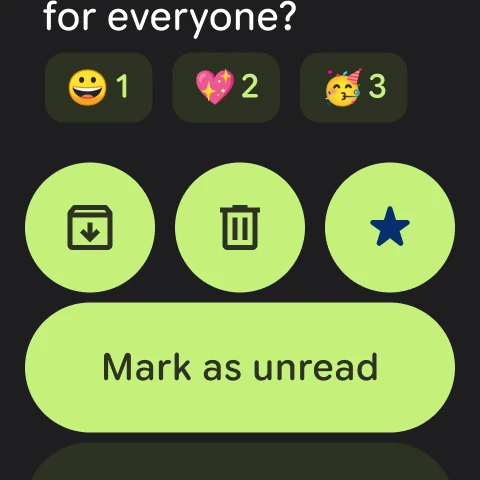
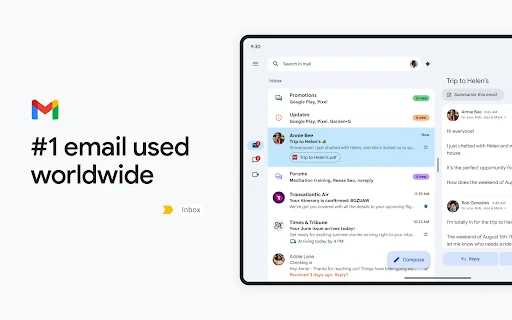
Gmail is designed for quick actions as well as careful reading. Notifications bring new messages forward, while gestures and controls can archive, delete or mark mail without opening every conversation. Travel details, delivery updates and other time-sensitive information may also be surfaced within relevant messages, reducing the need to search manually.
With a 4.11 rating from more than 14.1 million reviews and over 10 billion installs, Gmail has a substantial history of continued use. It is developed by Google LLC and remains a practical choice for users who want a familiar email centre with strong search, filtering and links to other Google tools.